Quick Start
This chapter walks you through your first MinT training run in under 30 minutes: sign up, install the SDK, configure your API key, organize data, submit training, get a LoRA, and sample from it. Every step runs on remote GPUs — no local GPU required.
Five steps at a glance
| # | Module | Summary |
|---|---|---|
| 1 | Sign up and log in | Register with a whitelisted email to get an Enterprise account |
| 2 | Install the SDK | Python 3.11+, pip install mindlab-toolkit |
| 3 | Configure the API key | Get an sk-* key and set it as an environment variable |
| 4 | Your first training job | Organize the dataset, build a Rubric, run one SFT |
| 5 | Deploy and sample | Save the LoRA weights, call sampling_client to check the results |
1. Sign up and log in
Register and log in to the MinT Enterprise platform with a whitelisted email: https://mint-try.macaron.xin/. An administrator will assign a workspace and compute quota to your enterprise account. If you don't have an invitation yet, contact sales: sales@mindlab.ltd.
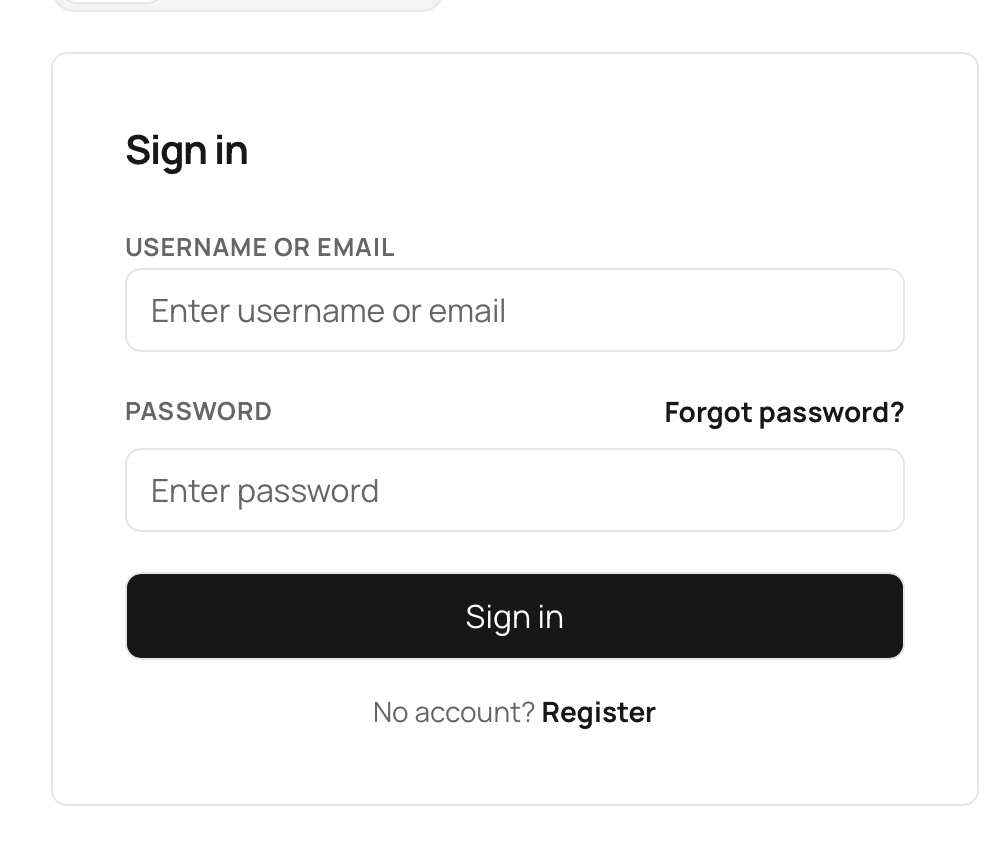
Figure 1 — MinT Enterprise login page
2. Install the client SDK
The MinT client requires Python 3.11 or above. We recommend creating an isolated environment with venv or conda:
pip install git+https://github.com/MindLab-Research/mindlab-toolkit.gitThe install also pulls in the mint package along with the compatible tinker (>= 0.15.0) runtime helper library. When you import mint, it automatically patches tinker's key-validation logic so that sk-* API keys work directly.
If you already have a Tinker training script, migrating to MinT takes just one import line change:
import mint as tinkerNote
In the MinT training loop, do not call zero_grad_async — gradient zeroing is handled centrally on the server side.
3. Configure the API key
After you obtain an API key starting with sk- at macaron.im/mindlab/mint, set it as an environment variable. For the Chinese mainland region, use the mint-cn endpoint:
export MINT_API_KEY=sk-your-api-key-here
export MINT_BASE_URL=https://mint.macaron.xin/   # Mainland: https://mint-cn.macaron.xin/
export TINKER_BASE_URL=$MINT_BASE_URL
export TINKER_API_KEY=$MINT_API_KEY
A .env file in the project root is also loaded automatically, which makes it easy to share config within a team.
4. Run your first training job
MinT training data is represented as a sequence of mint.types.Datum: each sample contains a token sequence and a loss weight per token. For SFT, the loss weight is 0 for the prompt part and 1 for the response part, with an overall teacher-forcing shift.
import mint
from mint import types

def process_sft_example(example: dict, tokenizer) -> types.Datum:
    prompt_ids   = tokenizer.encode(example['prompt'])
    response_ids = tokenizer.encode(example['response'])
    all_tokens = prompt_ids + response_ids
    weights    = [0.0] * len(prompt_ids) + [1.0] * len(response_ids)
    return types.Datum(
        model_input=types.ModelInput.from_ints(tokens=all_tokens[:-1]),
        loss_fn_inputs={
            'target_tokens': all_tokens[1:],
            'weights':       weights[1:],
        },
    )
Once the data is ready, use the following minimal training loop to run your first SFT:
service_client  = mint.ServiceClient
training_client = service_client.create_lora_training_client(
    base_model='Qwen/Qwen3-0.6B',
    rank=16, train_mlp=True, train_attn=True, train_unembed=True,
)
adam_params = types.AdamParams(learning_rate=5e-5)
for step, batch in enumerate(batches_of(data, batch_size=8)):
    fb  = training_client.forward_backward(batch, loss_fn='cross_entropy')
    opt = training_client.optim_step(adam_params)
    print(f'step={step} metrics={fb.result.metrics}')
    opt.result
While the script runs, the actual computation happens on remote GPUs. The client only blocks at .result, so you can orchestrate multiple forward_backward / optim_step calls at the same time.
5. Deploy and sample
After training finishes, save the current LoRA weights and get a client that can sample immediately:
sampling_client = training_client.save_weights_and_get_sampling_client(name='my-run-v1')
prompt_ids = tokenizer.encode('3 * 7 =')
samples = sampling_client.sample(
    prompt=types.ModelInput.from_ints(prompt_ids),
    sampling_params=types.SamplingParams(max_tokens=16, temperature=0.7),
    num_samples=4,
)
for s in samples.sequences:
    print(tokenizer.decode(s.tokens))
Troubleshooting
If _require_api_key throws an error or the preflight times out, check that MINT_API_KEY and MINT_BASE_URL are exported correctly, and that mint.macaron.xin / mint-cn.macaron.xin are reachable.
Next steps
Once it's working, we recommend reading: SFT (Supervised Fine-Tuning) for hyperparameters and recipes; LoRA Deployment & Checkpoints for the two deployment forms — online mounting and merged deployment; OpenAI-Compatible API for integrating on the business side.
Supported Models
MinT's base-model matrix has three categories: Qwen3 base models (available in both Community and Enterprise), Enterprise-only commercial models (GLM / Kimi / DeepSeek), and technically compatible same-generation open-source families.
Install the MinT SDK
The MinT client SDK ships as mindlab-toolkit — a pure Python package. Enterprise and Community share the same package, so code migrates at zero cost; the only differences are the endpoint and the API key.