Start Training
After data processing, move on to the training module. MinT Enterprise offers panel-based training-job configuration and also lets you submit the same job via an SDK script. Every training job centers on LoRA fine-tuning.
Create a training job
On the training page, click "New Training" to enter the job-configuration flow.
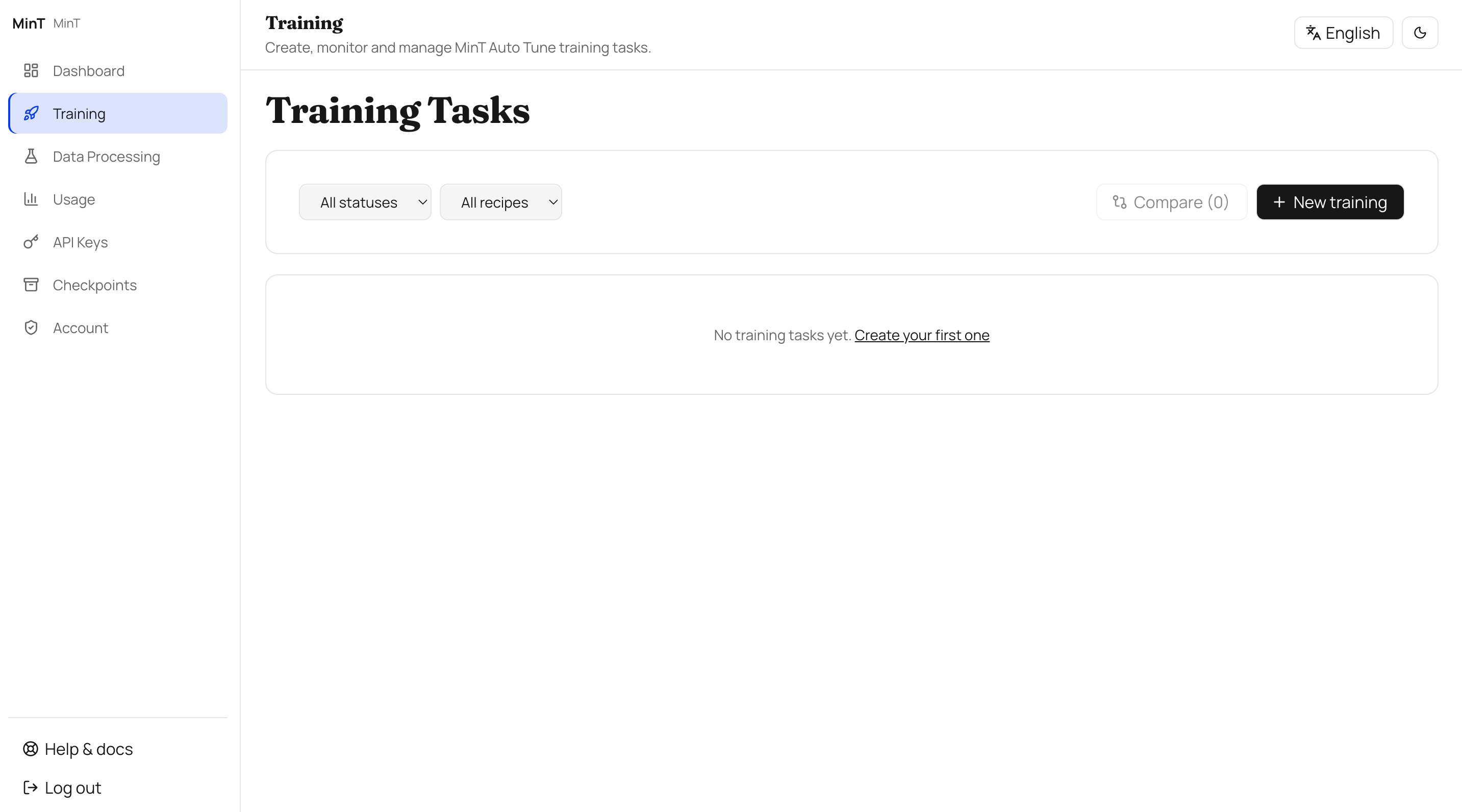
Create a training job
Choose a Recipe
Choose the matching Recipe based on the type of data you have:
| If you have this data… | Use | MinT call |
|---|---|---|
| Labeled prompt → response | SFT | loss_fn="cross_entropy" |
| chosen / rejected preference pairs | DPO | forward_backward_custom + custom preference loss |
| reward / verifier / environment feedback | RL (GRPO) | loss_fn="importance_sampling" |
If you have both supervised data and a reward, we recommend doing SFT first and then RL.
Choose the training dataset
Pick the datasets to use for this training from your data resources. You can select multiple at once and configure the mixing ratio.
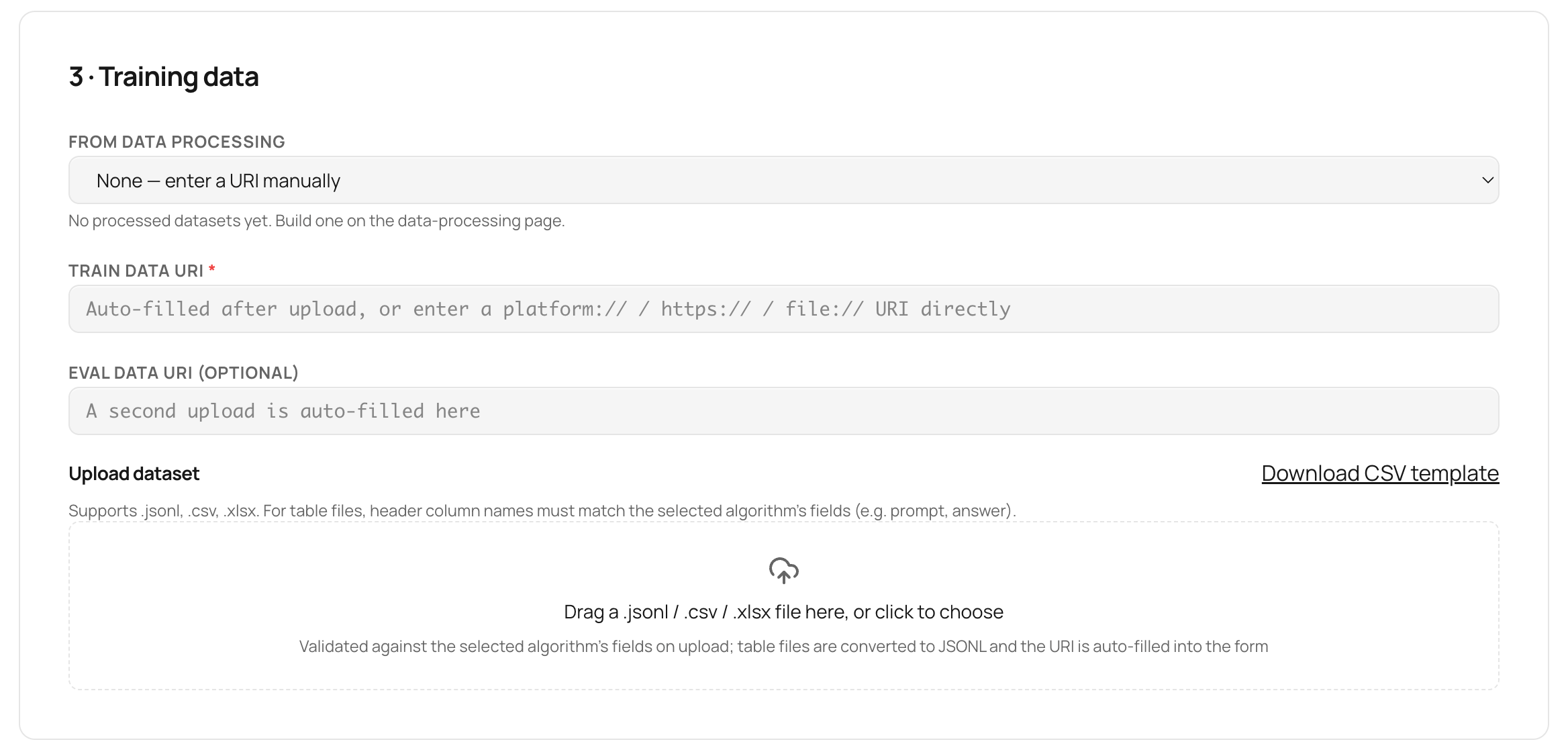
Choose the training dataset
Configure training parameters
On the training-parameters page: rank (LoRA rank), number of epochs, learning rate, and batch size are the four most commonly used levers. Once you select a Recipe, the panel suggests default values (rank=32 / 5 epochs / lr=1e-4 / bs=8).
Start training and monitor
Click "Start Training" and wait for the job to finish. The console shows the loss curve, evaluation metrics, and resource usage in real time.
View usage and save a checkpoint
After training finishes, check this run's consumption on the usage page, and save the current model checkpoint for deployment or a later RL stage. Each checkpoint carries metadata (Recipe, data version, hyperparameters, eval scores) for easy traceability.
Next steps
Once the checkpoint is saved, go to LoRA Deployment & Checkpoints to learn about the two deployment forms — online mounting and merged deployment.
Data Processing
Data quality sets the ceiling for training. The MinT Enterprise data-processing module covers the full pipeline from raw corpus to training samples to evaluation samples, offering helper-model configuration, raw-data processing, and Rubric scoring-sheet building.
SFT (Supervised Fine-Tuning)
SFT (supervised fine-tuning) applies to labeled prompt → response data. On MinT it runs the standard training loop with loss_fn='cross_entropy', and the training target is a LoRA low-rank adapter.